You can now start your search right from the homepage. Enter words from a product title or a brand name, open a specific tracked product, or leave the field blank to browse a category.
Enter what you're looking for, choose Handhelds or Memory cards, and click Search. You'll see the results on the regular search page, where you can narrow them down with the full set of filters. Your search terms will already be in the Words in title field, so you can edit them without starting over.
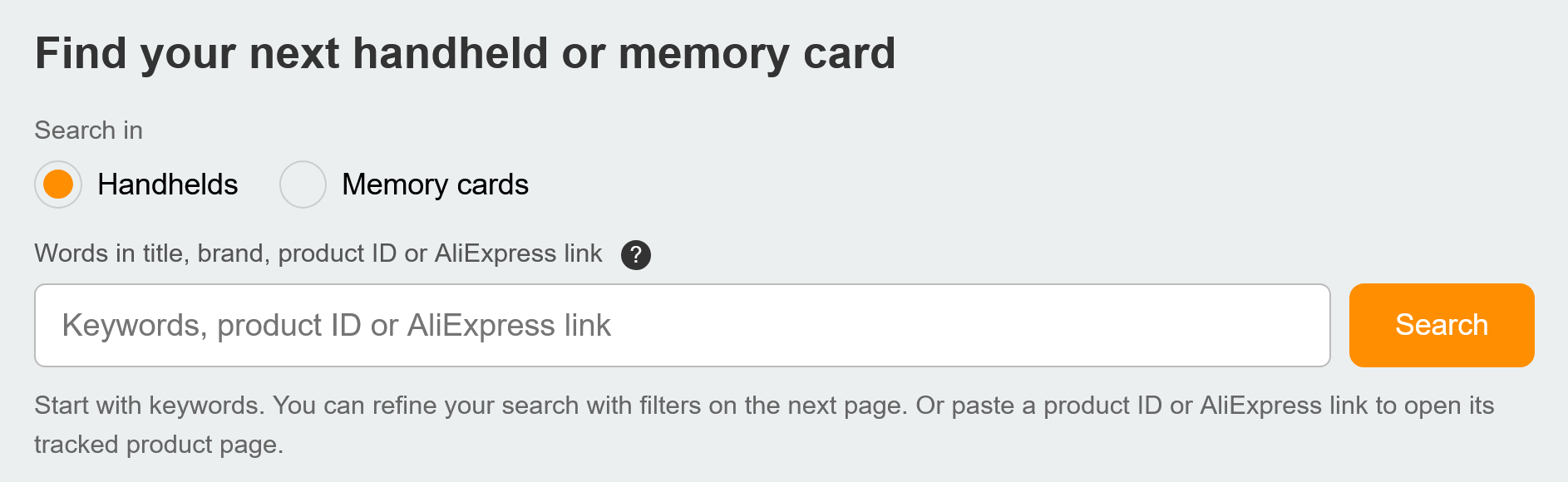
If you already have a product in mind, paste its numeric ID or a link to its AliExpress product page. Short links from a.aliexpress.com and s.click.aliexpress.com are also supported. You can paste text copied from the AliExpress app along with the link; there's no need to remove the surrounding text.
If the product is tracked for your selected platform and shipping destination, its page opens directly. You don't need to choose a category for this type of search. Use the platform selector next to the site name and the settings below the search form to choose where you want to shop and have the item delivered.
To browse a category, leave the field blank, choose Handhelds or Memory cards, and click Search. Once the results load, use the filters to narrow them down. This is a useful way to explore your options before choosing a model or brand.
© 2026 HandheldGameConsole.com. All rights reserved. Sharing the content of this website for informational or personal use is permitted. However, reproducing, redistributing, or utilizing any part of the website's code, design, data, or data structure to create or assist in creating similar websites or services is strictly prohibited.

