AliExpress coupons now appear next to shopping links in search results, Product Versions, and product pages. You can check for savings while comparing an offer, then head to AliExpress when you're ready.
When a matching code is available, the coupon area next to the main AliExpress button highlights the best one for the variant shown at the top of the page. You'll see how much you can save, the minimum purchase amount, and when the code is valid. The recommendation is based on the item price before shipping.
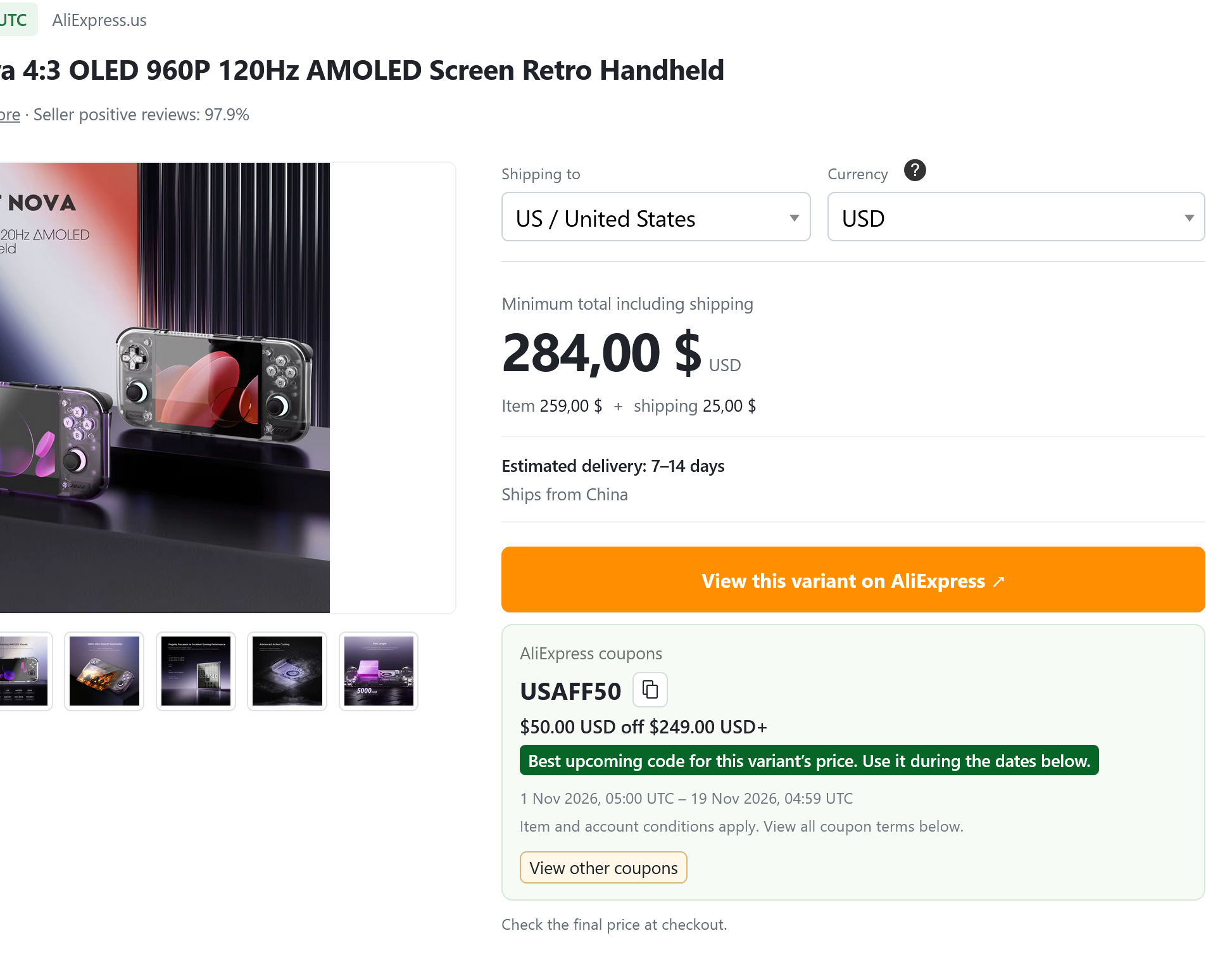
Click Coupons next to an AliExpress link to open the list. On a product page, you can also open it using the link to other coupons next to the main recommendation. The panel lists codes for your shipping destination and highlights the best match for the price you're viewing. Use the copy icon next to any code to copy it without leaving the page.
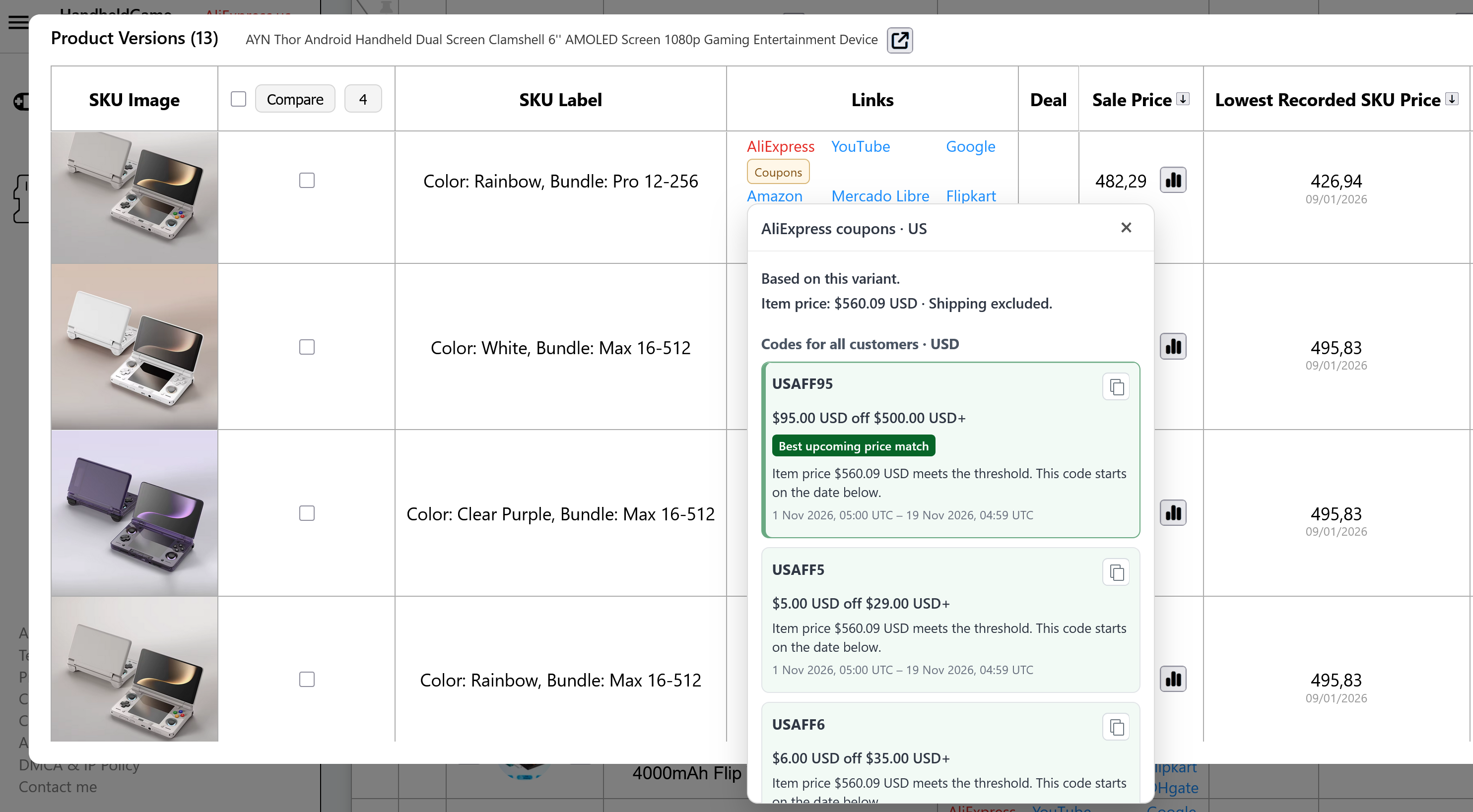
Upcoming offers appear four days before they start, with their dates clearly shown, to help you decide whether to buy now or wait. Offers for new customers are marked separately. The panel also includes any payment requirements, product exclusions, or other conditions that apply in your country.
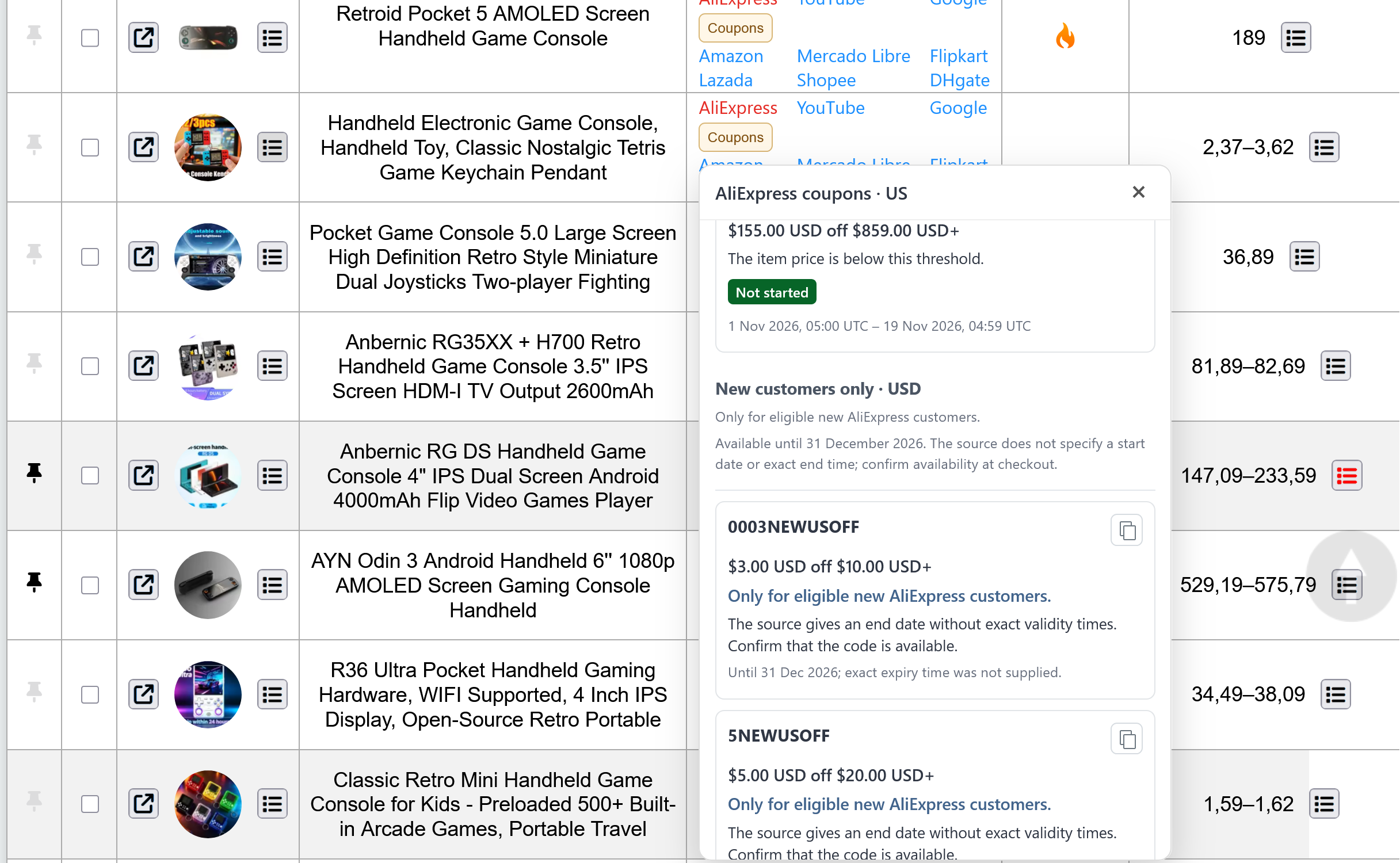
Coupons are shown when offers are available for your shipping destination, and recommendations account for currency differences. Check that AliExpress accepts your code for the order, and confirm the final price at checkout.
© 2026 HandheldGameConsole.com. All rights reserved. Sharing the content of this website for informational or personal use is permitted. However, reproducing, redistributing, or utilizing any part of the website's code, design, data, or data structure to create or assist in creating similar websites or services is strictly prohibited.

